
FIFINE USB/XLR Dynamic Microphone with Shock Mount,Touch-mute,Headphone Jack&Volume Control,for PC or Sound Card Recording -K688


FIFINE USB/XLR Dynamic Microphone with Shock Mount,Touch-mute,Headphone Jack&Volume Control,for PC or Sound Card Recording -K688
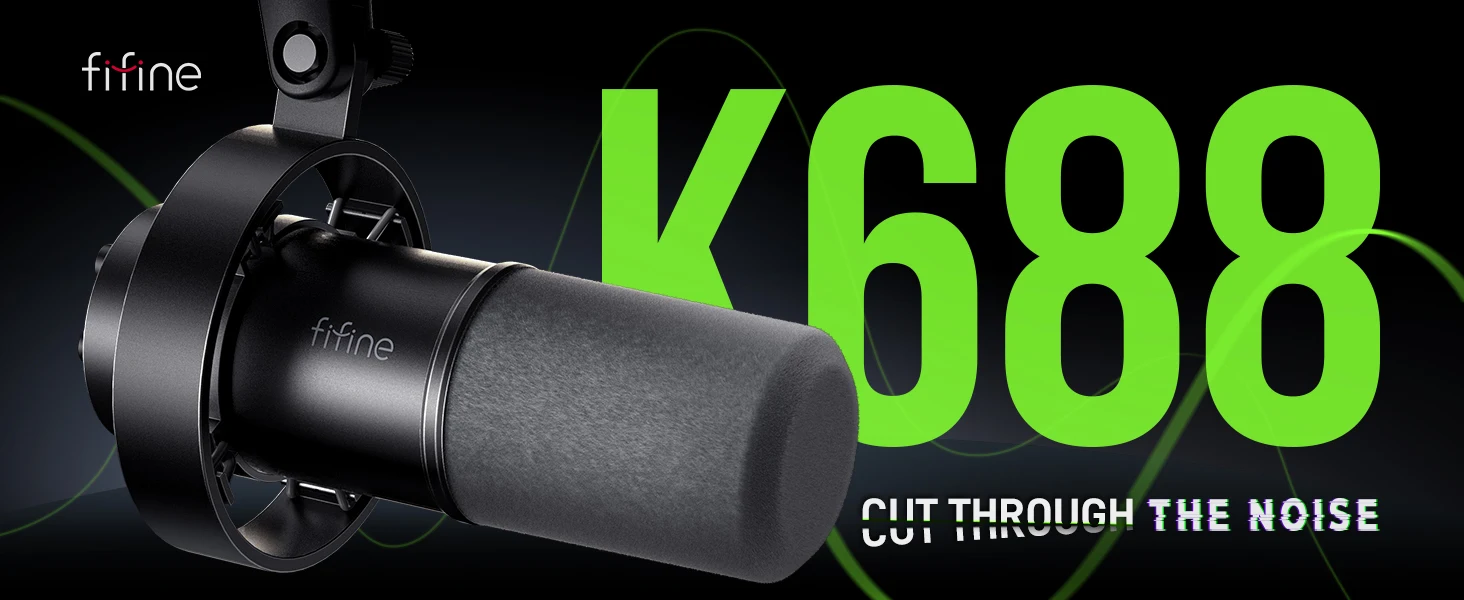
FIFINE K688 Dynamic Microphone – USB/XLR, Shock Mount, Touch Mute & Headphone Monitoring
Take your audio recording to the next level with the FIFINE K688 Dynamic Microphone. Designed for streamers, podcasters, gamers, content creators, and home recording enthusiasts, this versatile microphone combines USB and XLR connectivity with practical audio controls for a flexible recording experience. Whether you're recording a podcast, streaming live, gaming with friends, or creating online content, the K688 offers convenient features to help you capture clear, focused audio.
Key Features
【USB and XLR Dual Connectivity】
Enjoy flexible connection options with USB and XLR outputs. Connect directly to a compatible computer through USB for convenient setup, or use the XLR connection with a compatible audio interface or mixer for a more advanced recording setup.
【Dynamic Microphone for Clear Voice Capture】
Designed for voice-focused recording, the dynamic microphone helps capture speech while reducing the pickup of some surrounding background sounds. It's suitable for podcasting, voiceovers, streaming, gaming, online meetings, and other vocal applications.
【Convenient Touch-Mute Control】
Mute your microphone quickly using the convenient touch-sensitive mute control when supported by the active connection mode. This feature is especially useful during live streams, gaming sessions, and online meetings when you need to silence your microphone temporarily.
【Built-In Headphone Monitoring】
The integrated headphone jack allows you to monitor your audio directly through the microphone when using a compatible connection. Hear your voice while recording or streaming and make adjustments to your setup as needed.
【Easy-to-Access Volume Control】
Adjust supported audio levels conveniently using the microphone's onboard controls. The accessible control layout helps make everyday recording and communication more manageable.
【Included Shock Mount】
The included shock mount helps reduce unwanted vibrations transmitted through the microphone stand or mounting surface, supporting cleaner recordings in your home studio, gaming setup, or podcasting space.
【Ideal for Streaming, Gaming & Podcasting】
The FIFINE K688 is a versatile choice for a range of audio applications, including:
- Podcast recording and interviews
- Live streaming and online content creation
- Gaming and voice chat
- Voiceovers and narration
- Online meetings and remote communication
- Home studio vocal recording
【Practical Desktop Recording Setup】
With its flexible connectivity and convenient onboard features, the K688 fits comfortably into a variety of desktop audio setups, from beginner podcasting stations to more advanced recording environments.
Upgrade Your Audio Setup with FIFINE
The FIFINE K688 Dynamic Microphone combines versatile USB/XLR connectivity, convenient mute and volume controls, headphone monitoring, and an included shock mount in one practical recording solution. Create content, communicate with your audience, and enjoy greater control over your audio setup.
FIFINE K688 — Clearer communication. Flexible connectivity. Better content creation.
Product Specifications
- Brand: FIFINE
- Model: K688
- Microphone Type: Dynamic
- Connectivity: USB and XLR
- Controls: Touch-mute and volume control
- Monitoring: Headphone jack
- Included Accessory: Shock mount
- Applications: Podcasting, streaming, gaming, voiceovers, and recording
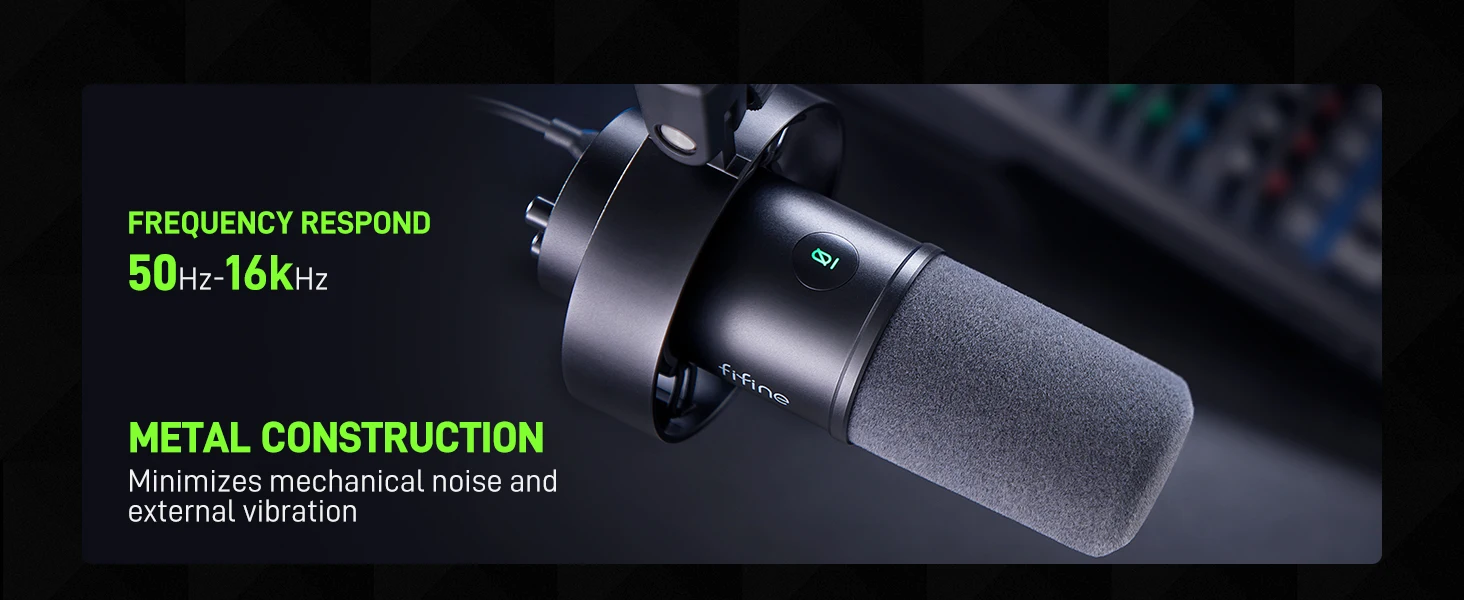
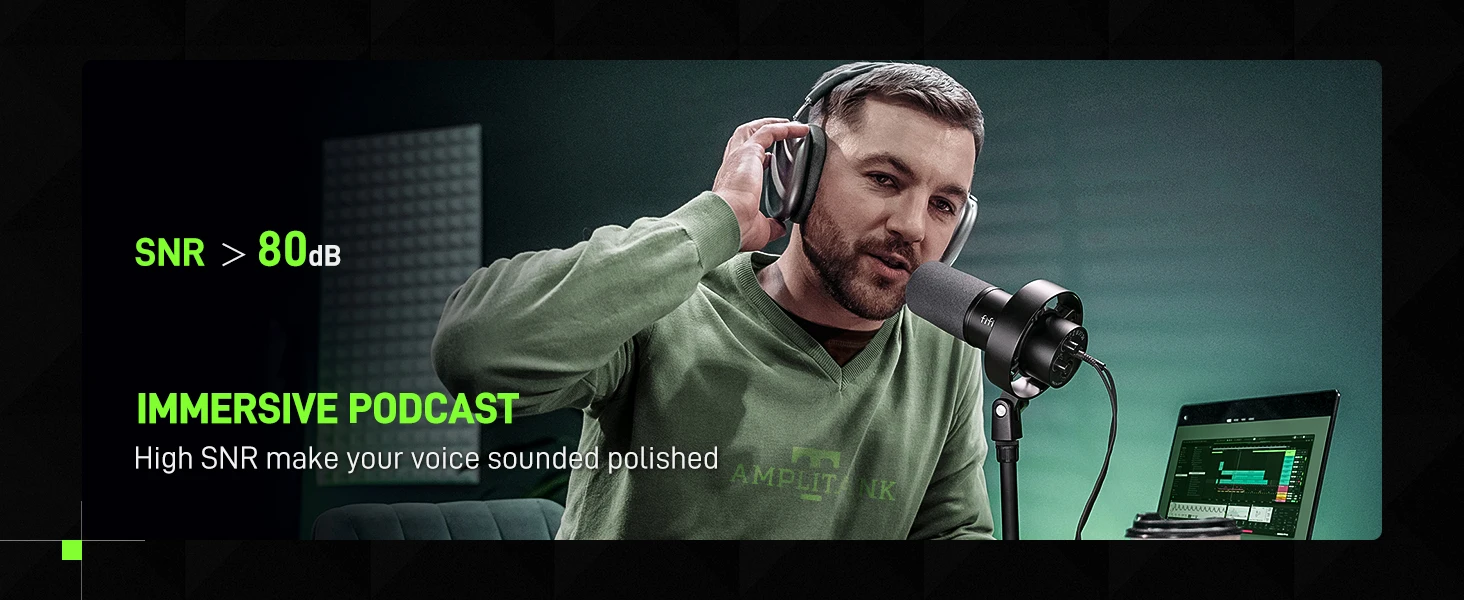
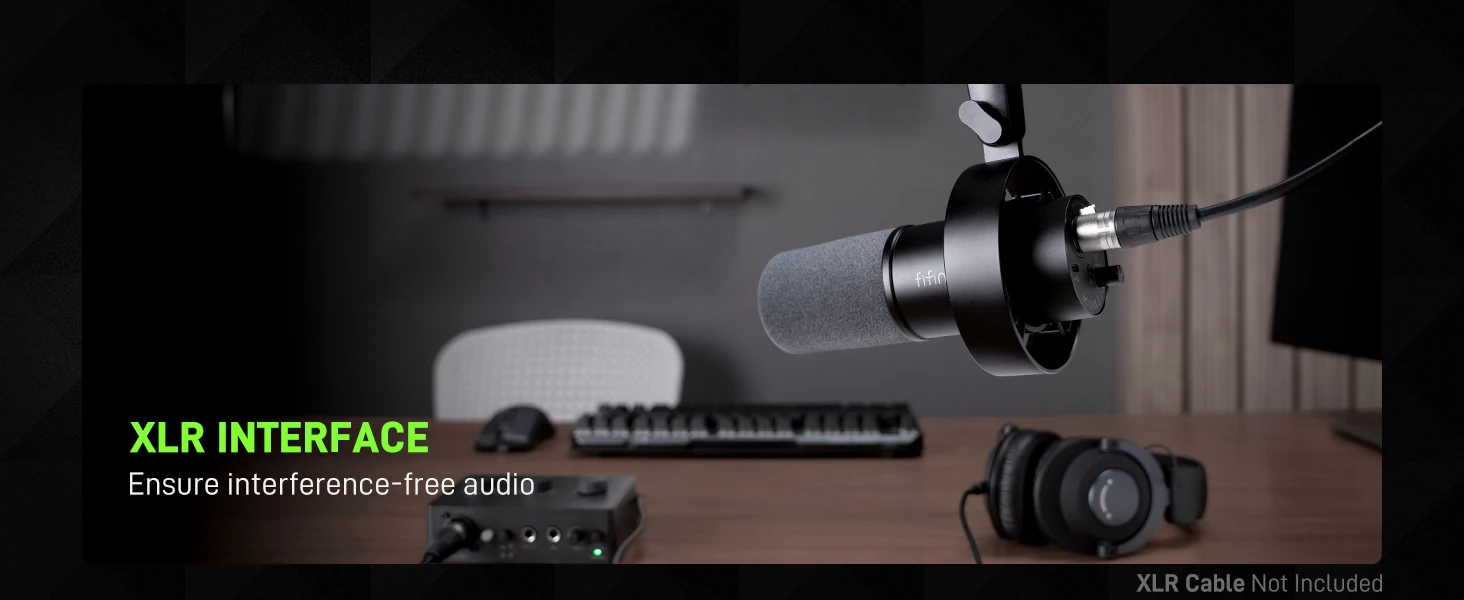
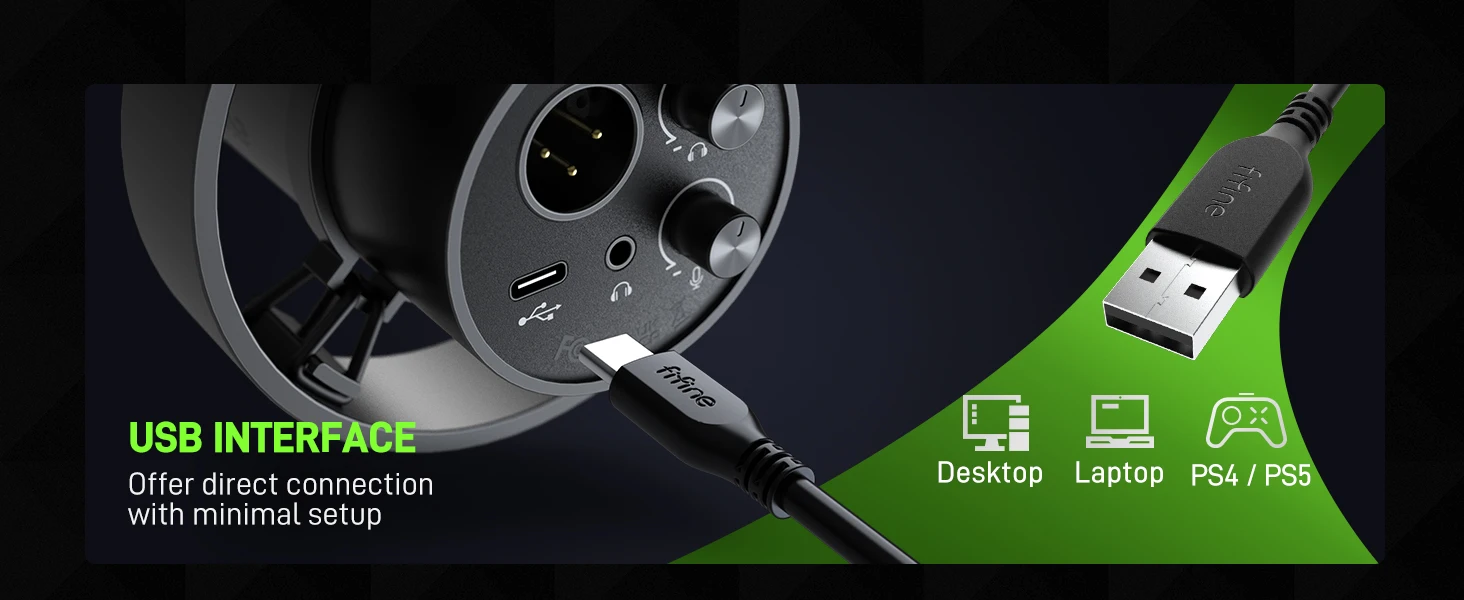
Upgrade XLR Output &Convenient USB Output
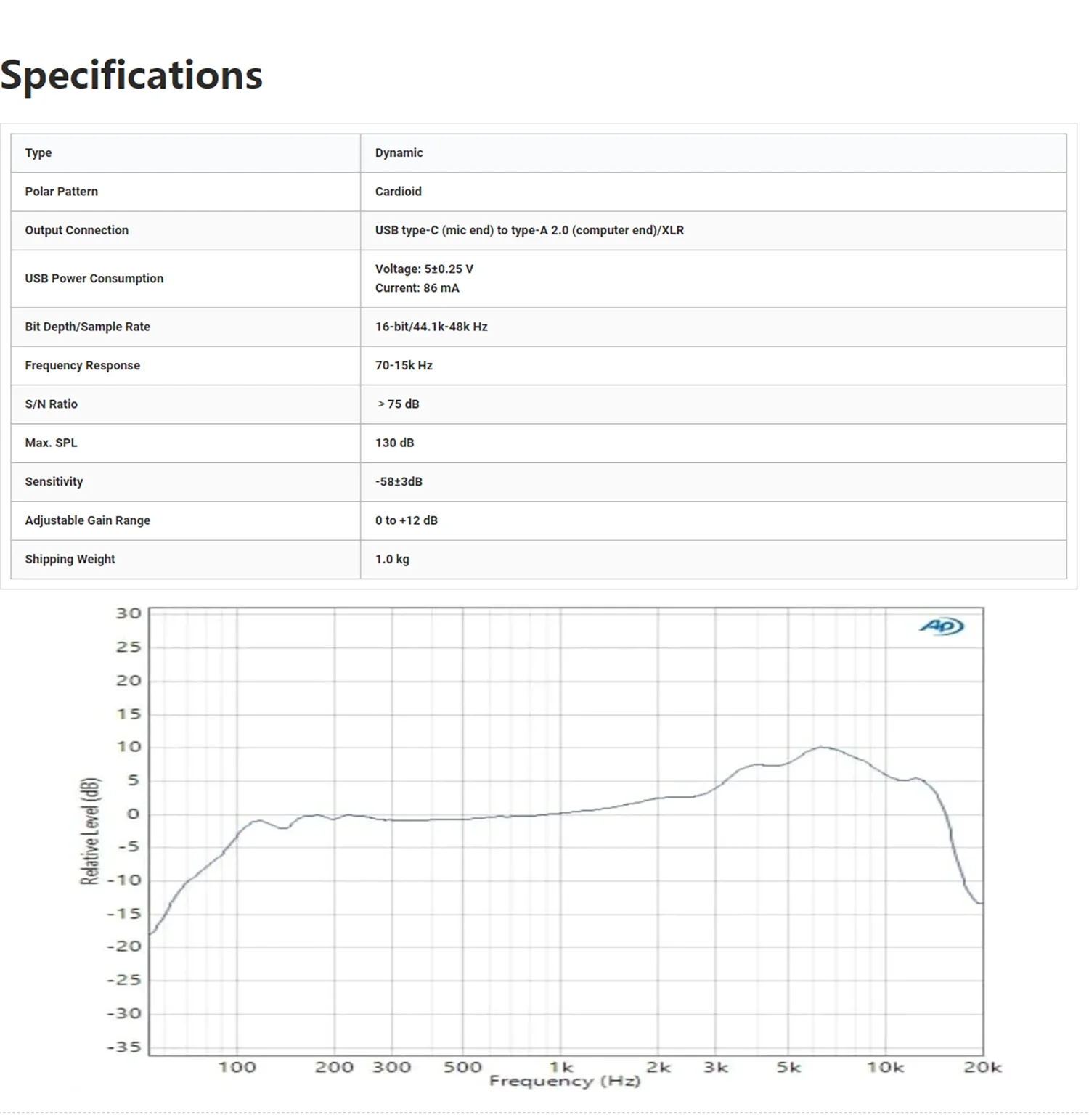
Provided with both USB and XLR connections, it is a significant benefit for you to podcast in various ways. if you are using the XLR connector. But basically, it is not the general type of dynamic mics where the mids are prominent while the brightness is lacking.Inheriting from FIFINE’s bloodline, the treble is something that will not miss but it is not so much to assault your ear with harshness.USB connection satisfies your daily recording needs more readily, and also portable when out for work.
Mute and Gain Control
to mute instead of pushing a button, which is noise-free to avoid adding unnecessary noise to your podcast or streaming audio.No need to fiddle with software settings, you can control the recording audio volume by gain knob on the mic, to output more vivid broadcast audio.
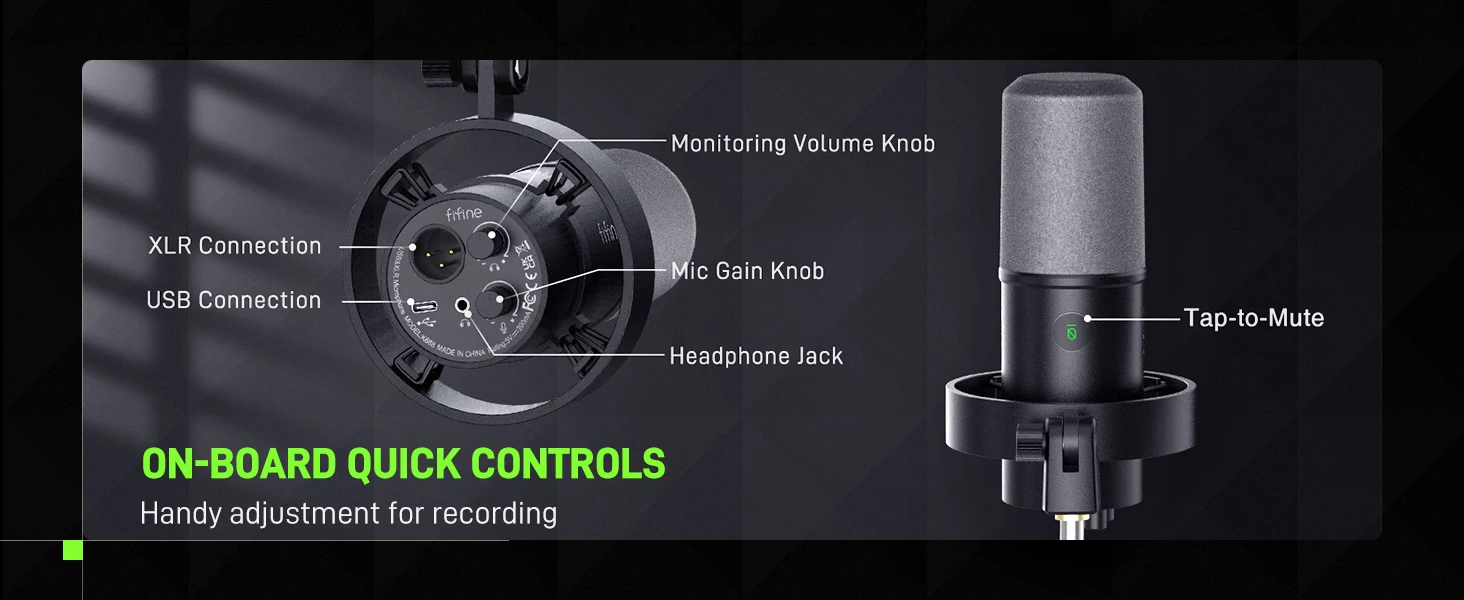
Monitoring and Volume Adjustment
The ability to real-time monitoring along with headphone volume control are added bonuses to recording professionals standing out studio podcasting. Monitor if your own audio as intended or noise reduction effect, to adjust audio in a shorter time. Directly rotate the headphone volume knob on the mic to listen to each frequency audio, which is more accessible for recording work.

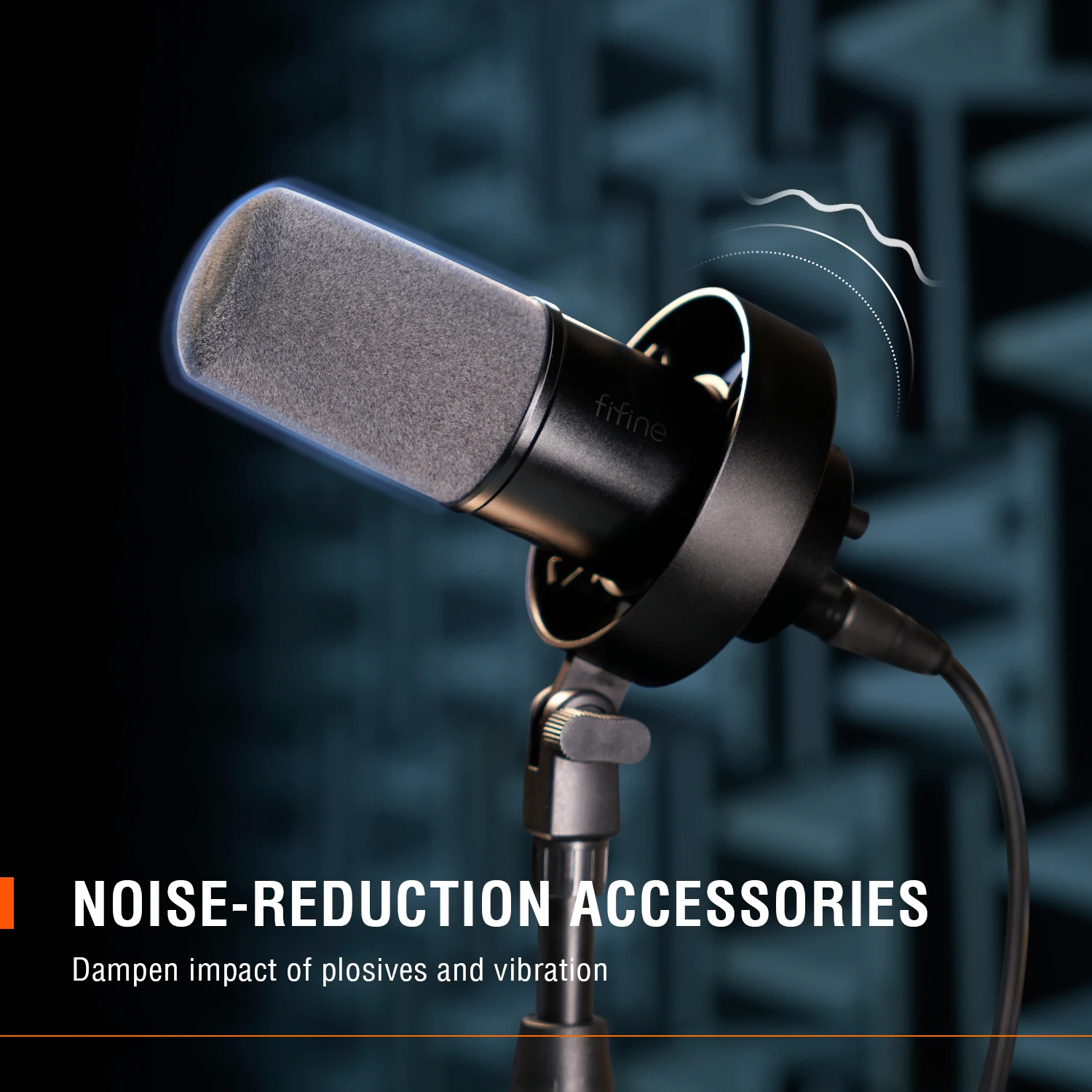
Further Noise Reduction
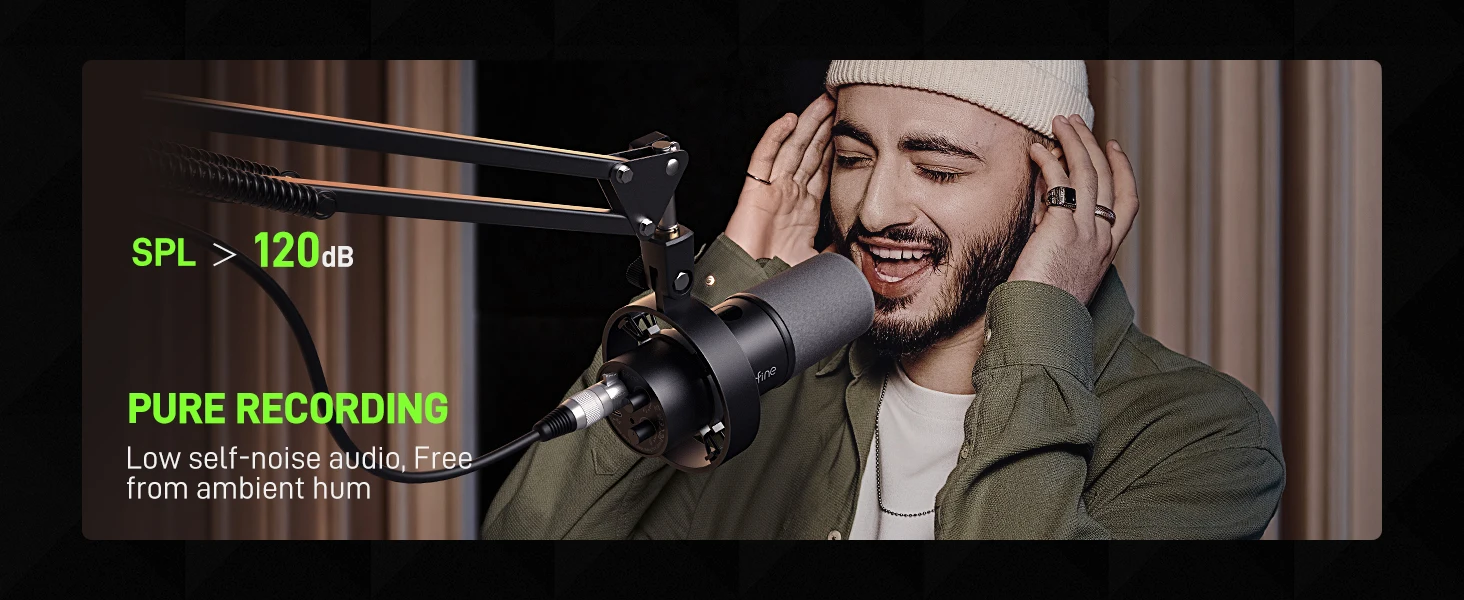
Dynamic microphone requires to keep a close distance to record. Thus, the included windscreen can dampen the impact of plosives to help you reduce the harshness in vocals. When you record bass audio, the external shock mount eases unwanted low frequency vibration and mechanical noise, further keeping your recording clean, nature and powerful.
what's in the box ?
*microphone with shock mount
*8.2 ft (2.5m) USB c to USB A cable
*5/8" male to 3/8" female adapter
*user manual

Q: How to use with windows computer via usb cable?
A:It is easy to plug and play this dynamic microphone on PC and Macbook via USB connection. You can follow the tutorial video to set up step by step.
Windows system: 1.Plug this recording microphone into PC via USB connection, right-click the speaker icon at the bottom right of the screen and click "Open Sound Settings".
2.Click "Sound Control Panel", select "Recording" tab, and choose "Fifine Microphone" as the default device. When you speak to the mic, bar-type icon will turn green and bounce.
3.Double click "Fifine Microphone" to open "Microphone Properties" window, click "Levels" tab and drag the progress bar to adjust the mic level.
Mac OS system: 1.Plug this podcast microphone into Macbook, click apple icon at the top left of the screen. Select "System Preferences".
2.Click "Sound" icon, then click "Input" tab and select "Fifine Microphone" as default input device. When you speak to the mic,the input level meter will move. Drag the progress bar to adjust the input volume
Q:How to use the mic with ps4 and xbox?
A:This XLR/USB microphone is NOT compatible with Xbox, neither USB nor XLR connection, but can use with PS4/PS5.You can plug this dynamic microphone in PS4/PS5 via USB connection and set up easily.Follow the instructions as below.
1.Click "Settings" at the top right of the screen, scroll the page to find "Sound" and click it.
2.Choose "Microphone"-"Input Device"-select "Fifine Microphone" as the input device.
3.Click "Adjust Microphone Level", then drag the progress bar to adjust the mic level.
Q:48v phantom power required? Turn off at preamp or leave on?
A:No, this XLR/USB podcast recording mic doesn't require the phantom power. And please turn it off at the preamp when you use the mic.
Q:It is 16 bit for this XLR/USB dynamic microphone, it is a good fit for studio recording and podcast which provides clear and crisp sound quality.